Service Settings
The Service Settings section allows you to control how services are displayed on the front end of your website. These options help you customize the layout and appearance based on your site’s design and user preferences.
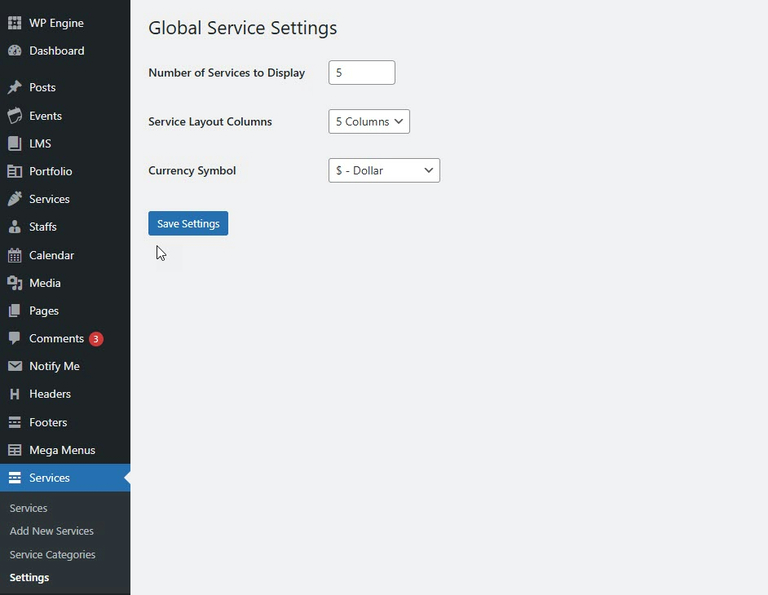
Available Settings
Settings
Description
Number of Services to Display
Set the total number of services you want to show on the page or section. Example: Enter 5 to display the latest five services.
Service Layout Columns
Choose how many columns the services should be arranged in. Example: 5 Columns will display five services per row in a grid layout.
Currency Symbol
Define the symbol used for service pricing. Example: $ for Dollar, € for Euro, ₹ for Rupee, etc.