# Side Newsletter Popup
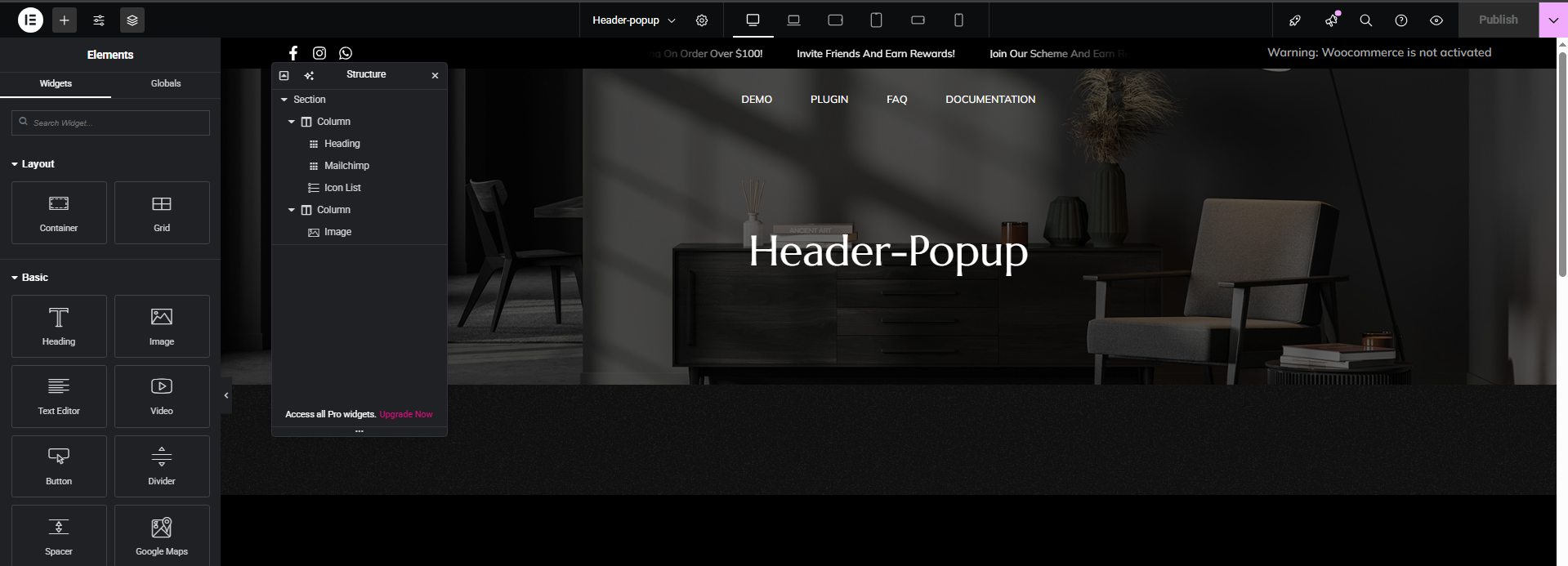
Navigate to the dashboard > Templates > Saved templates > Select the popup template > Edit with Elementor > Click on the hamburger menu icon, then click on the **Column** containing the image, go to the **Style** tab, and update the **Background** image as needed.
{% embed url="" %}